









PDF and image processing
Applies colour conversion rules to PDF documents and image files. The configuration defines input and output profiles for repeatable processing of similar jobs.



A color server for processing files through queues and conversion rules.

EXPLORE THE SOLUTION
The server applies configured conversions, including DeviceLink profiles and spot-colour handling. Coverage limits and optimisation depend on the licensed tools.
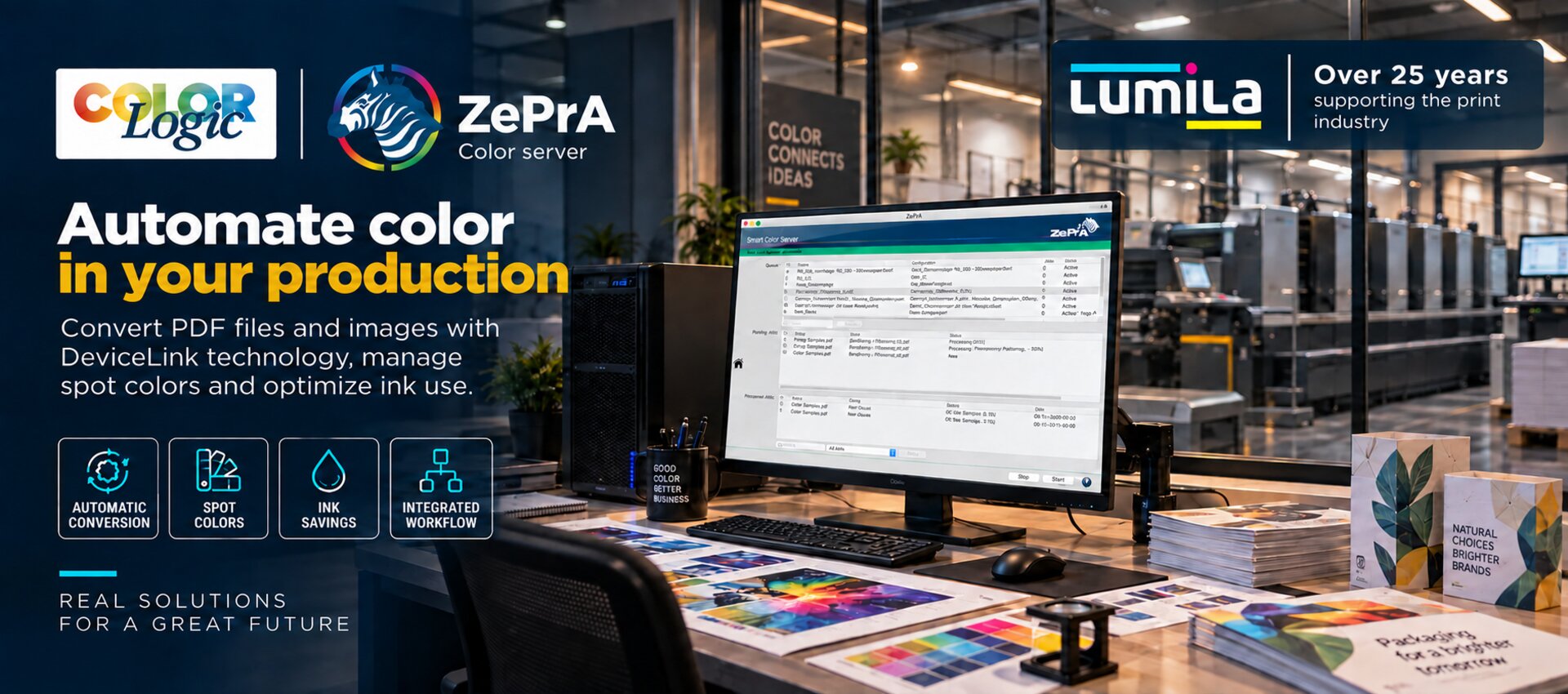
Applies colour conversion rules to PDF documents and image files. The configuration defines input and output profiles for repeatable processing of similar jobs.
Configure DeviceLink conversions and manage spot colours with the available libraries. We review profiles, colour references and licensed modules before defining the workflow.
Input hot folders trigger processing and deliver converted files to the configured output. Ink-saving options are assessed against the licence and job requirements.
Available tools depend on the license.
APPLICATIONS
For repeatable processing of PDFs and images that need to match a print condition. Queues organise jobs under different colour rules.
LET’S ASSESS YOUR PROJECT
Tell us what you produce, which equipment you use and what you need to improve. We help you assess the application, compatibility and configuration for your project.
Ask Lumila about options, availability and the scope of the solution.
LUMILA · OVER 25 YEARS
We help you assess the solution and define integration, training and support for your project.
We assess your application and the appropriate configuration.
We define how to incorporate the solution into your process.
Training and technical support for your project.
LET’S TALK ABOUT YOUR PRODUCTION
Let’s discuss ZePrA and its application in your business.
