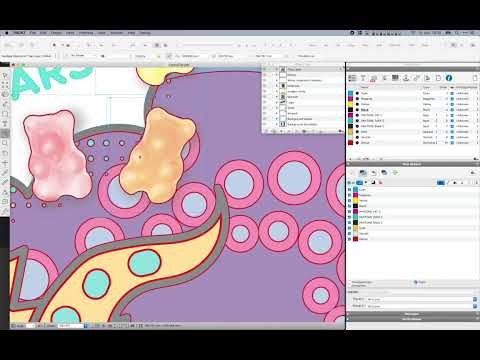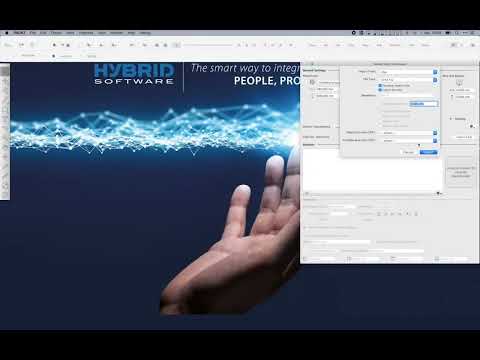


Native PDF
Work directly on production artwork.


Prepare label and packaging PDFs with dedicated artwork and production tools.

FROM ARTWORK TO PRODUCTION
The tools share one editing environment. Repetitive tasks can be organised with Pactions; the PACKZ Max edition adds an integrated RIP.
Work directly on production artwork.
Trapping, step and repeat, barcode and color tools in one environment.
Organize and automate actions with Pactions.
The integrated RIP is part of PACKZ Max. Ask about the appropriate edition.
WHAT EACH TOOL DOES
Dedicated tools for labels, flexible packaging, folding cartons and corrugated packaging. Each function addresses a part of the prepress job.
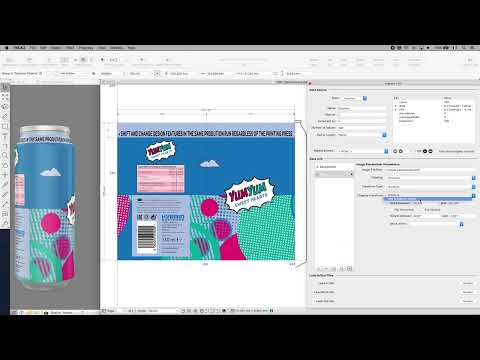
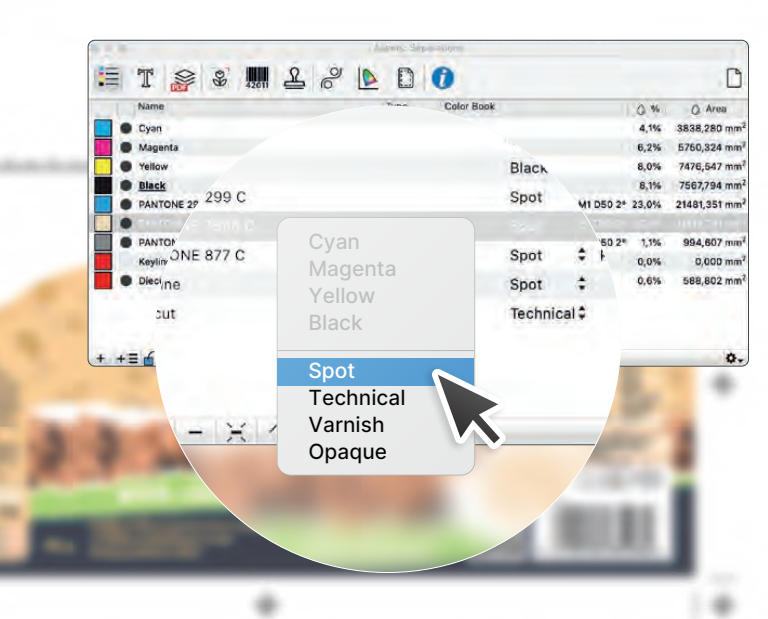
Edit text, images and graphic objects in production PDFs. Organise process inks, spot colours and technical separations, and define page boxes and document resources.
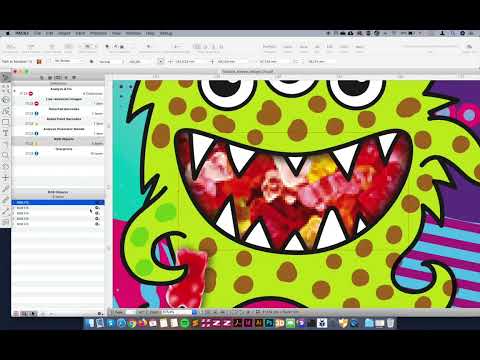
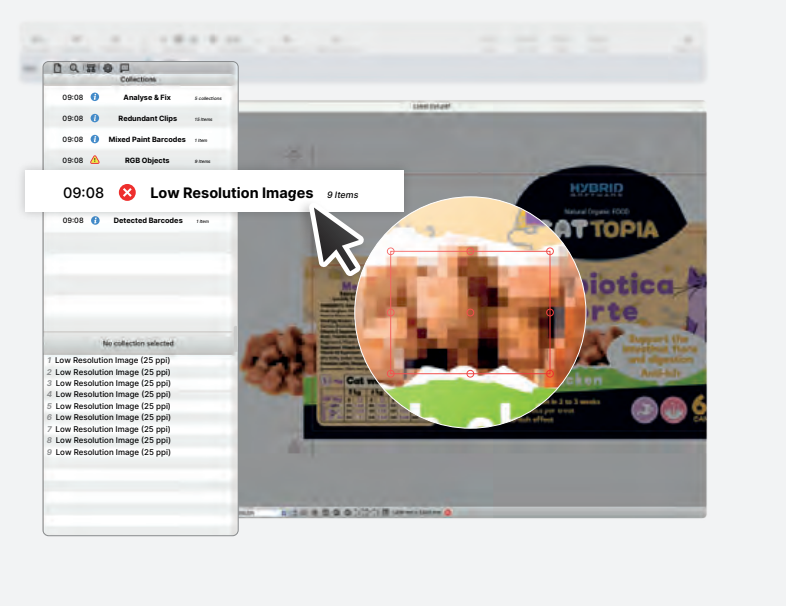
Use preflight with corrections and reports. Detect low-resolution images, inspect barcodes and compare versions with automatic alignment to locate changes.
Create overlaps between colours to compensate for small print registration variations. Combine interactive tools, trapping rules and inspection views before preparing output.
Record and reuse action lists for repetitive tasks. Connect marks, information panels and reports to document content or external data sources.
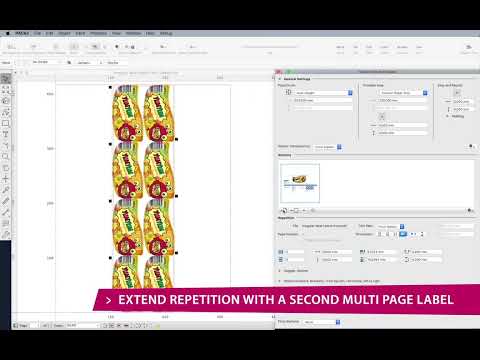
Prepare tabular and interactive repeats for web and sheet production. Work with rectangular or irregular designs, dynamic marks and folding-carton layouts.
Preview and transform colour for the selected printing conditions. Work with DeviceLink profiles, spot colours and expanded-gamut configurations according to the defined solution.
Solution scope. Features are described from the manufacturer’s v25b datasheet. Editions, options and connections to other solutions are confirmed for each project; this does not imply every feature is included in one licence.
SEE THE TOOL IN ACTION
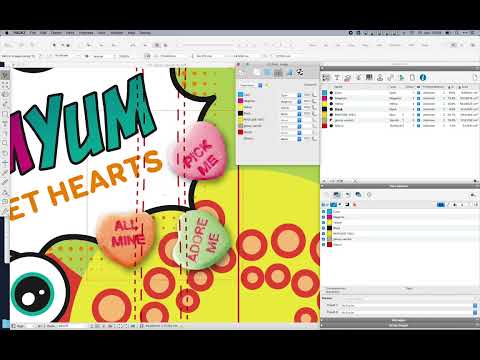
Distinguish design inks from technical elements such as die lines, varnishes and opaque inks. A clear file structure helps prepare output and inspect the elements associated with each stage.
SEE THE TOOL IN ACTION
Preflight flags conditions that should be corrected before printing. Version comparison and separation and misregistration views help inspect changes, trapping and finishes.
Prepare variable text, numbers, images, barcodes, colours and patterns for personalised labels and packaging. Optional CLOUDFLOW services are assessed for automated industrial production.
Compensate artwork deformation using meshes for sleeves, conical labels and formed metal packaging. Integration with iC3D allows artwork assessment on 3D models, depending on configuration.
Reuse PACKZ actions within an automated PACKZFLOW workflow. Artwork editing and workflow processing perform complementary roles.
APPLICATIONS
For prepress teams preparing labels and packaging directly in the production PDF: adjust artwork, organise separations and prepare step-and-repeat layouts, marks and barcodes.
YOUR CONNECTED PROCESS
Edit label and packaging artwork.
Organize separations, marks, barcodes and layouts.
Reuse actions with Pactions.
LUMILA · OVER 25 YEARS
We help you assess the solution and define integration, training and support for your project.
We assess your application and the appropriate edition.
We define how to incorporate the solution into your process.
Training and technical support for your project.
LET’S TALK ABOUT YOUR PRODUCTION
Tell us what you produce and how your workflow operates. Together, we can assess which PACKZ edition suits your operation.
Learn about the technology and its applications.