










Print queues
Organise jobs and reuse input settings through a hot folder.

 LUMILA
Organise files in print queues and match colour output to the printer and media. Variable data and cutting options adapt the workflow to label production.
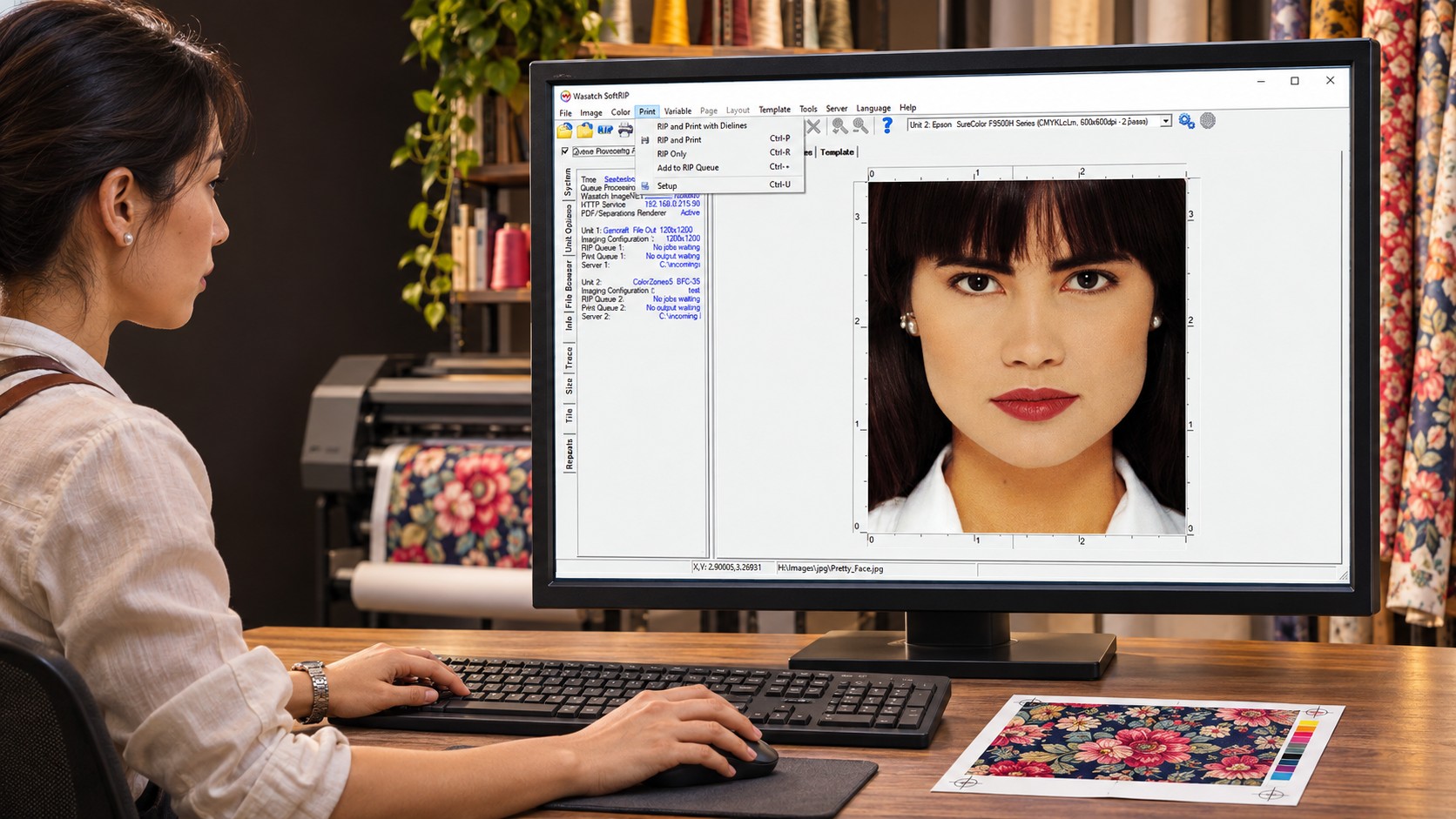
Organise jobs and reuse input settings through a hot folder.
Print a swatch chart on the job stock to compare colours.
Prepare labels with fields that vary from copy to copy and reuse artwork paths for cutting.
For a label run, compare printed swatches before producing the batch. If each label needs different data, prepare the template and link the variable fields supported by your edition.
Tell us which printer, media and job types you use. We can help assess compatibility and plan configuration, training and support.
